AI for SOLIDWORKS: Copilots, Agents & Cosmon
13 min read
Where SOLIDWORKS AI copilots stop, Cosmon's AI Agent picks up. It runs the full CAD-to-PLM workflow, logs every step, and keeps the final call with you. (August 2026)
You change a part file, and now three mates are broken, the drawing is out of date, and the DFM check you ran last week is meaningless. SOLIDWORKS's new AI copilots are good virtual companions, but they stop at the edge of the tool. They answer and suggest next steps within your SOLIDWORKS session rather than executing the steps end-to-end. And the moment a workflow moves upstream or downstream of SOLIDWORKS, they can’t follow. What actually chases that one change across the model, the drawing, and the downstream checks is a new product category: an AI agent for SOLIDWORKS. Cosmon's AI Agent that runs natively inside SOLIDWORKS and across the CAD, CAE, and PLM tools engineers already use, collaborating with engineers at every step to execute tasks inside those tools. This guide walks through what SOLIDWORKS's built-in AI does today, where it stops, and how Cosmon’s agent extends your existing workflows today.
TL;DR
SOLIDWORKS's built-in AI copilots work inside your session. They help with model and mass-property queries, and first-pass simulation setup, but you drive each step and they don't run a change end to end.
SOLIDWORKS’s copilots are Early Access, and they stay inside SOLIDWORKS, work on files stored locally, and rely on cloud access for PLM-based skills. SOLIDWORKS’s built-in AI assistants don't coordinate across CAE, CAD, and PLM tools because they are copilots, not agents.
Cosmon's AI Agent operates at the orchestration layer. It runs natively in your tools and across CAD, 2D-drawings, CAE, and PLM, logs each one, and hands the judgment calls back to the engineer.
The real gap is privacy-sensitive, cross-tool work. When a change has to flow into the drawing, the DFM check, and the downstream simulation or PLM system, SOLIDWORKS’s single-tool copilot stops and the engineer takes over.
Before you approve any AI tool, check where your geometry goes, whether it stays local or routes to a vendor cloud, and whether every action is logged and reversible in your own tools.
What AI for SOLIDWORKS Actually Looks Like
AI for SOLIDWORKS shows up in two forms. First, SOLIDWORKS's own built-in AI runs inside your session. Its copilots AURA and LEO answer questions about your model, and the 2026 auto-drawing feature attempts to generate a first-pass drawing. Cosmon's AI Agent is the next generation for your workflow, an agent that runs across your whole CAD, CAE, and PLM toolchain, including more sophisticated, geometry-driven work. It reads your files and carries one change through the model, the drawing, the simulation, and the PLM record, then hands any judgment calls back to you. SOLIDWORKS’s copilots make you faster inside SOLIDWORKS. Cosmon’s AI Agent lives natively inside your tool and also at the intersection of all of them, so the hand-offs are automated instead of something you stitch together by hand.
What the Workflows with Cosmon Typically Involve
Most workflows in SOLIDWORKS that leverage Cosmon’s AI technology fall into a few categories:
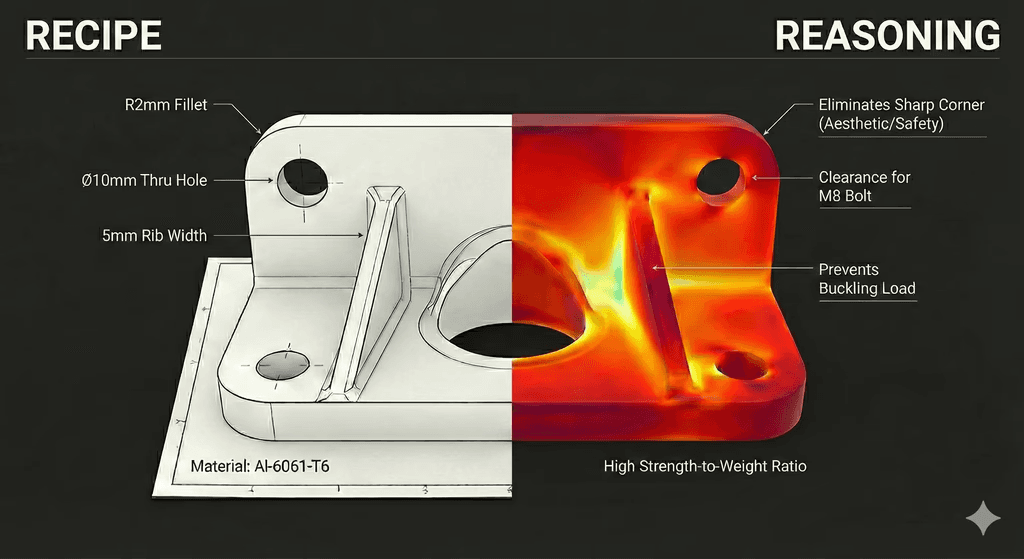
Geometry generation, where the AI proposes a feature or body from a prompt or a constraint set and you review it before it enters the model tree.
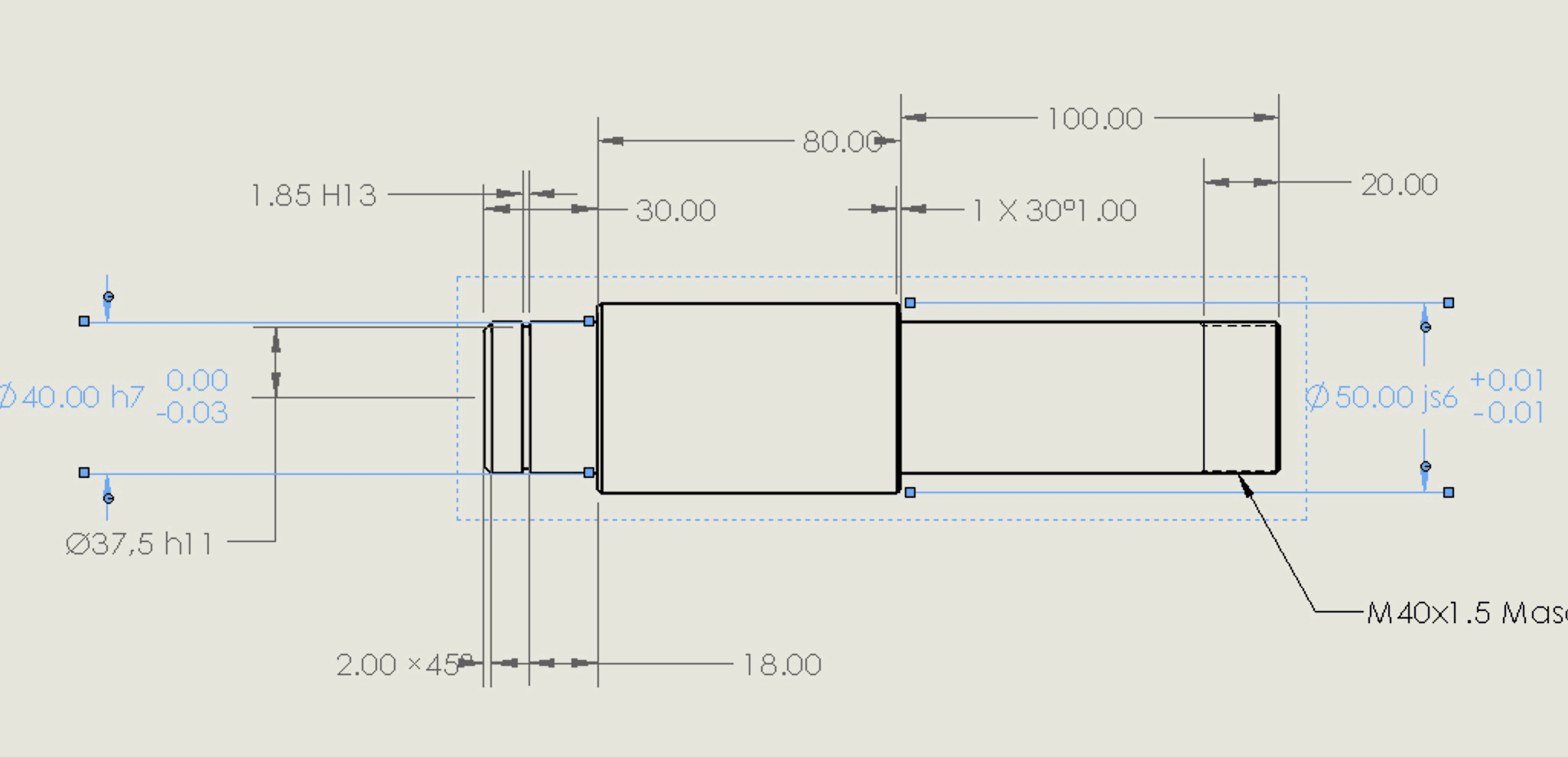
Drawing work, where the AI generates a drawing with views, dimensions, and a BOM, or reviews a drawing for GD&T and tolerance callouts before sign-off, with you doing the final detailing.
DFM and tolerance checks that flag manufacturability and stack-up issues against a defined rule set, so problems surface before a supplier catches them downstream.
Simulation prep for SOLIDWORKS FEA or external CAE tools, where the AI defeatures the CAD, sets up a first-pass mesh and boundary conditions, and you inspect and adjust before the solver runs.
(Early access) CAD/PLM hand-offs, where a change logged in CAD gets checked against the PLM record and the downstream analysis without someone chasing version mismatches by hand.
The common thread is the same across all of them. Cosmon’s AI Agent runs the work and flags what it finds, and you check the output, make the call, and sign off.
How Cosmon’s AI Agent Automates CAD Workflows
A copilot only answers when you prompt it. Cosmon's AI Agent takes a task, breaks it into steps, runs each one, checks the result, and flags anything that needs your call before it moves on. Cosmon decides what the next step should be from what it just did, gets your approval, and carries on. You see what ran and why, approve or adjust, and the next step goes. That hand-off across tasks and tools and long-horizon work is what Cosmon’s AI Agent is built for. This is the fundamental difference between copilots and agents.
What Gets Automated vs. What Gets Handed Back
Not every step in every workflow is equal. Some are repeatable and rule-bound, and those are the ones worth automating. Others need judgment, and those stay with you.
Well-suited to automation:
Drawing creation and drawing review, where the rules for views, dimensions, and GD&T are fixed and every output is checkable.
DFM and tolerance stack-up scans that run the same checks against your standards on every iteration.
Feature and mate updates across an assembly, where a dimension change propagates and the broken references get flagged.
Defeaturing a model for CAE and exporting the clean file, which is repetitive prep, not a design decision.
Handed back to you:
What to do with a flagged DFM or tolerance result, which is a trade-off, not a rule.
Any novel geometry or unusual requirement where the design intent is still yours to set.
The final sign-off, always.
Cosmon’s AI Agent runs the first list and flags the second. You review the log, make the call, and sign off.
Embedded AI Features in SOLIDWORKS
What's Already in the Box
SOLIDWORKS now ships with some AI features. In 3D Creator and xDesign, generative design turns your load constraints and material inputs into topology-optimized geometry you can pull into an assembly, though you still run a manual DFM review on the result because the generator has no view of your manufacturing constraints or downstream tolerances. In SOLIDWORKS 2026, Assistive AI for Drawing Creation gives you a first-pass drawing in one step, choosing the template and sheet size, placing and scaling the views, and revision tables on assemblies, for you to review and finish. The Simulation add-in flags low-quality mesh elements and suggests where to refine, which is rule-based diagnostics rather than AI, and it starts fresh each run with no memory of what you already cleaned up. Each of these is helpful, and each one is complete in itself. What none of them does is carry a change into the next step, so the moment your work crosses from the model to the drawing to the analysis, you are back to moving it by hand.
SOLIDWORKS Virtual Companions: AURA, LEO, and MARIE
SOLIDWORKS 2026 introduced three Virtual Companions as in-tool AI copilots. They run in Early Access from the SOLIDWORKS Labs tab and need an active 3DEXPERIENCE Cloud Services connection. They come with an eligible SOLIDWORKS Design and Cloud Services license, and every task they run draws from a shared pool of tokens.
Companion | What it does | Status
|
|---|---|---|
AURA | Answers design and process questions from enterprise and web knowledge | Early Access |
LEO | Runs mechanical design and simulation tasks like assembly structures, image-to-mesh (on the roadmap), parametric features on STEP files, simulation studies, and design-error fixes | Early Access |
MARIE | Materials science and physics-based work | Not yet available |
Of the two that are live, AURA is the one you talk to. It answers design and process questions and helps you explore options, so it works best as a research and knowledge copilot. LEO is the one that does the work inside the model. Assembly structure generation and STEP file parametrization are repetitive tasks it can run with little back-and-forth, and its simulation study setup covers more ground, though Early Access means you should check every output before you move on. MARIE, the materials and physics companion, is not available yet, and Dassault has not published a release timeline. There is also built-in intelligence that uses model context to recommend a next step.
Where Current AI Assistants Hit Their Limits
All of this works while the task stays inside one tool. Generate a sketch, run a check, propose a feature, and a copilot handles it. The friction starts at the edges, where one tool ends and the next begins.
A copilot that lives in SOLIDWORKS can flag a change, but it cannot follow that change out of SOLIDWORKS. When a tolerance edit has to flow into a simulation rerun in Ansys, or a multiphysics study in COMSOL, and then back into a PLM record, the single-tool assistant stalls. A few places this shows up:
Rebuild dependencies, where a feature edit ignores suppressed mates or parent-child sketch relationships that break quietly on rebuild.
Version mismatches between CAD and external PLM software, which go unresolved when the assistant cannot read the version state outside SOLIDWORKS’s platform.
A geometry change that passes the local DFM check but creates a tolerance stack problem that only shows up when the assembly is evaluated as a whole.
These are the seams where judgment is needed, and where a tool that only sees its own window leaves you with half the picture before sign-off. It is the reason an agent has to work above any single platform, which is where Cosmon’s AI Agent comes in. Cosmon’s AI technology bridges the orchestration gap between multiple team members with different domain expertise, their respective workflows, and the multiple tools used to execute those workflows.
How Cosmon's AI Agent Works Alongside SOLIDWORKS
Cosmon’s AI Agent connects to your SOLIDWORKS environment and runs natively across your CAD, CAE, and PLM toolchain, so you stay in the tools you already trust. When you change a part, Cosmon’s AI Agent picks up the change, carries it through the drawing, the checks, and the downstream analysis, flags anything that diverges from your tolerances or standards, and logs every step. The judgment calls come back to you. What you get is a record you can open, verify, and sign off on, not a black box.
What Cosmon’s AI Agent handles in a typical SOLIDWORKS workflow, from the CAD tasks most SOLIDWORKS users hit every day through to simulation and release:
Drawing creation and review: It generates the drawing from the model, adds views, dimensions, and a BOM draft, and checks it for GD&T and standards issues before it goes out.
DFM and tolerance stack-up: It runs your manufacturability rules and stack-up checks on every iteration and hands back the flagged list, not a silent pass.
Parametric and mate updates: When a dimension or tolerance changes upstream, it propagates the change through dependent features and flags the mates and references that break.
Defeaturing for simulation: It defeatures the CAD for CAE and exports the clean file, the repetitive prep that sits between design and analysis.
Simulation setup, troubleshooting, and postprocessing: It sets up contacts, boundary conditions, materials, load cases, and mesh, checks the load-case intent against the geometry, and presents a full model summary for your sign-off before anything queues. Downstream it catches solver errors, proposes fixes, and writes the results into a structured report.
Version and PLM sync (early access): It catches mismatches between the CAD model and the BOM or PLM record before the morning-of-review scramble, not during it.
Across all of it, the agent proposes and you decide. The final call stays with you, and every step is logged where you can see it. See the Cosmon case studies for how the agent runs on real projects.
Data Security and IP Considerations When Using AI in SOLIDWORKS
Before you approve any AI tool for SOLIDWORKS, the first question is where your geometry goes. Cloud-connected tools usually route your files through vendor infrastructure, which is an exposure point for proprietary designs. An on-premises tool keeps your CAD files and simulation inputs inside your own environment, with nothing sent out for the vendor to ingest or train on.
SOLIDWORKS's own AI runs under Dassault's 3DEXPERIENCE Cloud governance, which is worth reading before you connect a live session.
Before you approve any third-party agent, ask four questions:
Does it process your geometry locally, or route it through external servers?
Can the vendor train on your design data?
Is it SOC 2 compliant, with encryption at rest and in transit?
Are its actions logged and reversible inside your own tools, not the vendor's system?
Cosmon's AI Agent is built to answer the first way on all four. It runs inside your environment, so your geometry never leaves, and every action it takes is logged and reversible where you can see it.
Final Thoughts on AI for SOLIDWORKS Workflows
AI for SOLIDWORKS is worth adopting on both AI copilot and agentic AI fronts. The best tool is determined by the objective you are trying to achieve. Neither one takes the judgment out of your hands. The decisions and the sign-off stay yours, so nothing ships that you did not review. If you want to see Cosmon’s AI Agent on your own SOLIDWORKS workflows, try Cosmon's AI Agent on a real project and see for yourself.
FAQs
What is the difference between an AI copilot and an AI agent for SOLIDWORKS?
Cosmon's AI Agent runs a whole task inside and across your toolsIt takes one change and carries it all the way through, updating the model, the drawing, the checks, and the PLM record, and logging each step, while the judgment calls stay with you. SOLIDWORKS's own AI, AURA and LEO, are copilots. They answer and assist inside one tool when you prompt them, but they do not carry a task across tools on their own.
Can AI generate a technical drawing from a 3D SOLIDWORKS model?
Yes, Cosmon's AI Agent generates the drawing from the model and keeps it in sync as the design changes, updating the views, dimensions, and BOM across the model, the drawing, and the PLM record, and flagging what needs your review according to your organization’s standards. SOLIDWORKS's own 2026 Assistive AI for Drawing Creation also produces a generic first-pass drawing with views, dimensions, and a BOM that you finish, on its own inside the tool.
Is there an AI that reviews drawings for GD&T errors before sign-off?
Yes, Cosmon's AI Agent runs your GD&T and drawing standards against each revision and hands back the list of issues for your call, rather than passing them through silently. It checks against your conventions, so the review matches how your team actually marks up a drawing.
Can AI perform a tolerance stack-up?
Yes, Cosmon's AI Agent runs tolerance stack-up checks on every iteration and flags where a change pushes the assembly out of spec, including problems that only appear when the assembly is evaluated as a whole. How to resolve the stack-up stays with you.
What is the best AI for a DFM review on technical drawings before manufacturing?
Cosmon's AI Agent runs your manufacturability rules against the part and the drawing and hands back the flagged features, so problems surface before a supplier catches them. Because the checks run against your own rule set, the flags reflect your process, not a generic checklist.
Can I use AI on SOLIDWORKS without routing my CAD files through a vendor's cloud?
Yes. Cosmon's AI Agent runs inside your own environment, so your CAD files and design data never leave and the vendor cannot train on your geometry. This matters most in automotive, aerospace, and defense work where the geometry itself is the IP.
Can an AI agent make a STEP file editable in SOLIDWORKS?
Yes. Cosmon's AI Agent can import a STEP file and make modify the file and feature tree directly.
What is the best AI for SOLIDWORKS when the workflow spans Ansys and COMSOL?
A cross-tool agent is the fit. A single-tool copilot stalls when a geometry change in SOLIDWORKS has to flow into a simulation update in Ansys or COMSOL and then sync back to a PLM record. Cosmon's AI Agent runs across the full CAD, CAE, and PLM chain and handles those hand-offs without a manual re-queue at each step.
What happens to rebuild dependencies when an AI agent edits a SOLIDWORKS feature?
Editing a feature without accounting for suppressed mates or parent-child sketch relationships can break the model silently on rebuild. Cosmon's AI Agent flags the broken references before the geometry locks in, so the problem surfaces during the edit rather than two steps downstream.
How do I know an AI tool logs its actions in my tools, not the vendor's?
Ask where the action log lives. If it is only reachable through the vendor dashboard, you do not have a record you actually control. Cosmon's AI Agent writes every action to your own tools in a form you can open, verify, and roll back, which is what an auditor or review board will ask you to show.
What does SOC 2 actually mean for an AI tool in SOLIDWORKS?
SOC 2 confirms the vendor passed an independent audit of how they store, access, and protect your data, including encryption at rest and in transit. It sets a documented baseline, but it does not by itself mean your files stay on-premises. On-premises deployment is a separate decision, and it is the one Cosmon's AI Agent is built for. Visit our Trust Center for more information.